Columns and cards
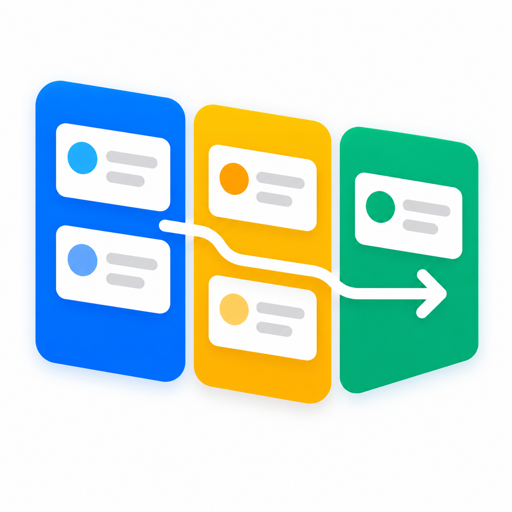
Create, rename and reorder columns. Cards carry a title, a description and colour labels.
MCP App · ChatGPT and Claude
LiveAsk for your board and it opens in the conversation. Add cards, drag them across columns, tag them with colour labels. No account, no sign-up, and your board stays in your browser.
01Features
Create, rename and reorder columns. Cards carry a title, a description and colour labels.
Move cards with mouse, touch or keyboard. On touch, press and hold so swiping still scrolls.
Every change can be undone with Ctrl/Cmd+Z, so a stray drag costs nothing.
Filter cards across every column as you type.
Save the board as a JSON file and load it back on any device.
Follows the theme of ChatGPT or Claude, or pick your own.
02Privacy
Kanban has no database and no user accounts. Cards, columns and labels are saved to your browser's local storage, not to our servers.
The MCP server only tells ChatGPT or Claude how to display the board. It never receives your board content.
Nothing to sign up for, nothing for us to lose.
Details in the privacy policy.
03Connect
Paste the server URL into your AI assistant.
https://kanban.host.safrow.com/mcpclaude mcp add --transport http kanban https://kanban.host.safrow.com/mcp04FAQ
Yes. Kanban is free to use.
No. There is no sign-up and no login.
In your browser's local storage. Some chat apps block storage inside embedded apps; the board then shows “Not saved”. Use Export to keep a JSON backup.
No. The assistant opens the board and you edit it directly. The tool is read-only and never sees your cards.
Not automatically. Export the board on one device and import it on another.
Questions about Kanban?